
Travel Library
Paying in China as a Foreigner
Alipay, WeChat Pay, foreign cards, cash, and ATM withdrawals — explained for visitors without a Chinese bank account.
Use this library after the relevant checker or planner when you want the deeper source context, Q&A, and background explanations behind the short tool result.
Check your payment stack first, then read the payment library.
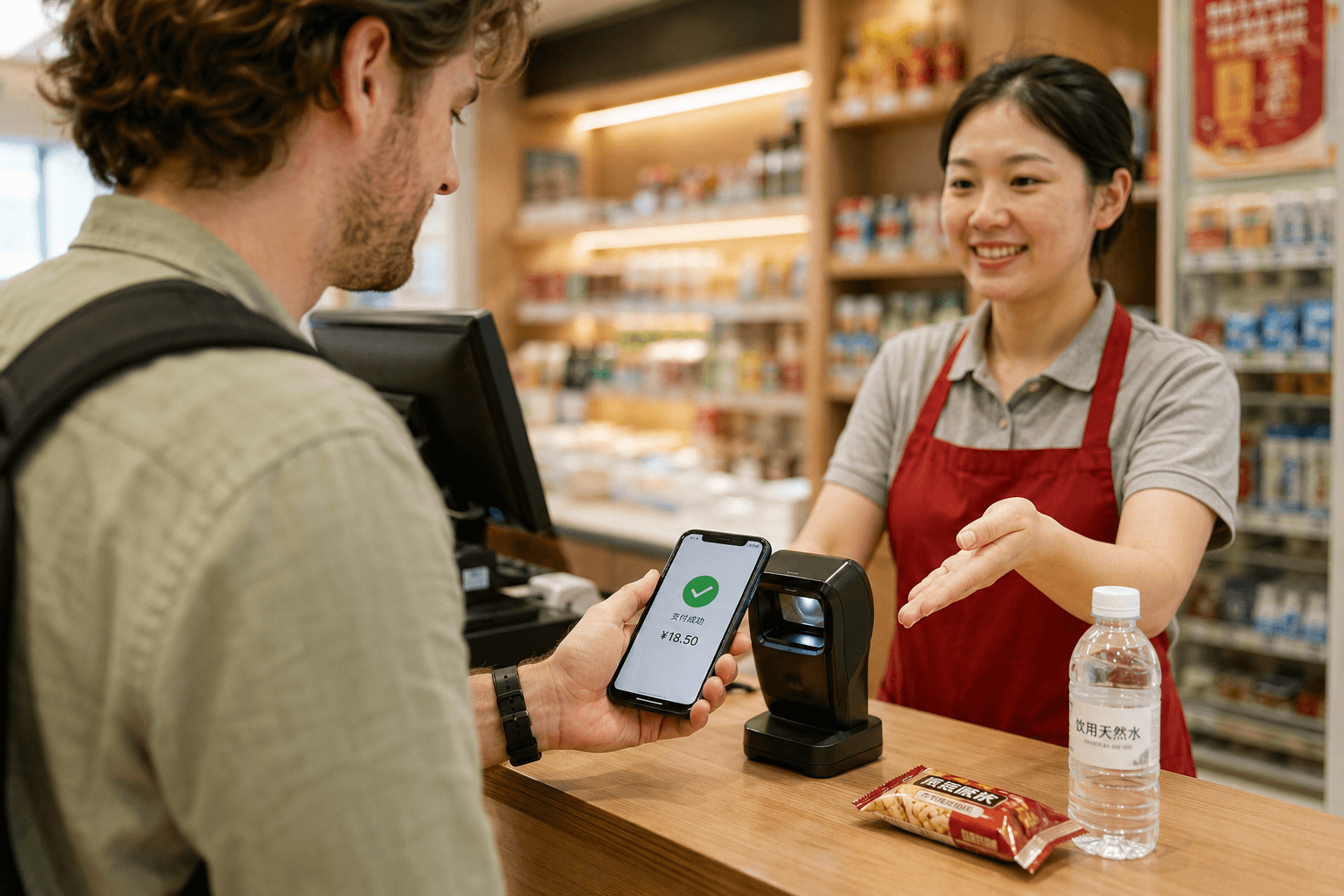
China runs on QR-code payments rather than card terminals, and most foreign visitors discover this at the first street market or metro station. The practical setup is three layers: a mobile wallet (Alipay or WeChat Pay linked to a foreign card) as your primary tool, a physical bank card as backup for hotels and larger stores, and a small amount of RMB cash for the edge cases where neither option works.
Since 2023, both Alipay and WeChat Pay allow visitors to link overseas credit or debit cards directly without needing a Chinese bank account. Most visitors complete wallet setup in under fifteen minutes before departure. The real risk is not the initial setup — it is arriving with only one payment method and meeting a merchant that only accepts the other. This section covers each payment layer in detail: where each one works, where it fails, how to set up both wallets before you leave home, and what to do when a payment does not go through.
Featured questions
High-intent answers
Recommended tools
Practical tools for this topic
Apps You Need in China
Filter essential China apps by task: payments, maps, translation, ride-hailing, messaging, booking, and pre-arrival setup priority.
ToolChina Travel Checklist
A free China travel checklist for entry documents, Alipay, mobile data, hotel check-in and arrival. Tick items on your phone or download a printable kit.
Recommended guides
Deeper reading for this topic
Prepare More Than One Way to Pay
Set up a mobile wallet, bring a physical card and keep some RMB cash. A linked card can still fail at a checkout. Test a small purchase while you have time to resolve a problem.
Use the Payment Readiness Checker and save the free starter checklist.
Set Up Alipay With Your Overseas Number
Download the current Alipay app and register with a mobile number that can receive verification messages. An overseas number works; a Chinese bank account is not required for eligible international-card linking. Follow identity-verification requests in the app.
Open Me → Bank Cards to add a supported card. At checkout, scan the merchant's payment QR code or show your payment code to the cashier. Confirm the merchant and amount.
Use the regular app's card-linking flow. An old TourPass tutorial or email-only registration instruction is not a reliable starting point. See Shanghai's September 2026 payment guide and our Alipay walkthrough.
Add Weixin Pay as Another Option
In WeChat, use Me → Services → Wallet → Bank Cards and follow your account's prompts. Menu labels can vary.
A successful merchant purchase does not establish support for balance top-ups, personal transfers or every mini-program. Read the WeChat Pay answer for those distinctions.
Fees and Limits
Shanghai's overseas-card guide describes wallet limits of up to US$5,000 per transaction and US$50,000 annually. Account, issuer or merchant limits can be lower.
For linked overseas cards, payments of RMB 200 or less are generally exempt from the platform service fee. Above RMB 200, a 3% fee may apply to the full amount. Check the payment screen for promotions and applicable fees. Issuer charges can be separate.
Physical Cards and Cash
Look for the matching card-network logo and confirm acceptance before a large purchase or hotel deposit. Support depends on the terminal and issuer.
Use an ATM showing your network's logo. Shanghai's guide describes a general RMB 3,000 per-withdrawal limit, with possible additional bank limits. Compare the displayed fees, exchange-rate choice and home-bank charges. An ATM is not always cheaper than an authorized exchange counter.
Choose a cash reserve around your transfer, meals and emergency needs. Keep useful smaller denominations and avoid carrying more than necessary.
If a Payment Fails
- Check the amount, funding card, connection and verification request.
- Ask whether the merchant supports your wallet and card type. Personal transfer codes can behave differently.
- Try another wallet or card, or ask to pay cash.
- Contact the issuer or wallet support if the problem persists.
Keep access to the number used by your wallet and bank. A data-only eSIM does not replace SMS access to your home number.
Related Questions
All Payments questions
Sorted by most recently reviewed